No signal in the park? The walk stays on your phone and sends when you reconnect.
A walk happens in a field, on a dying battery, with one bar. Nothing you tap during a job depends on a connection existing at that second — it is written to the phone and reported as done, because it is done.
- Walks, visits, events and photos write to the device first
- Work queues across app kills and phone restarts
- Sends itself, oldest first, when you are back in range
- Invoicing is the one exception, and the app says so
Full access for 30 days · No card · Unlimited clients and pets
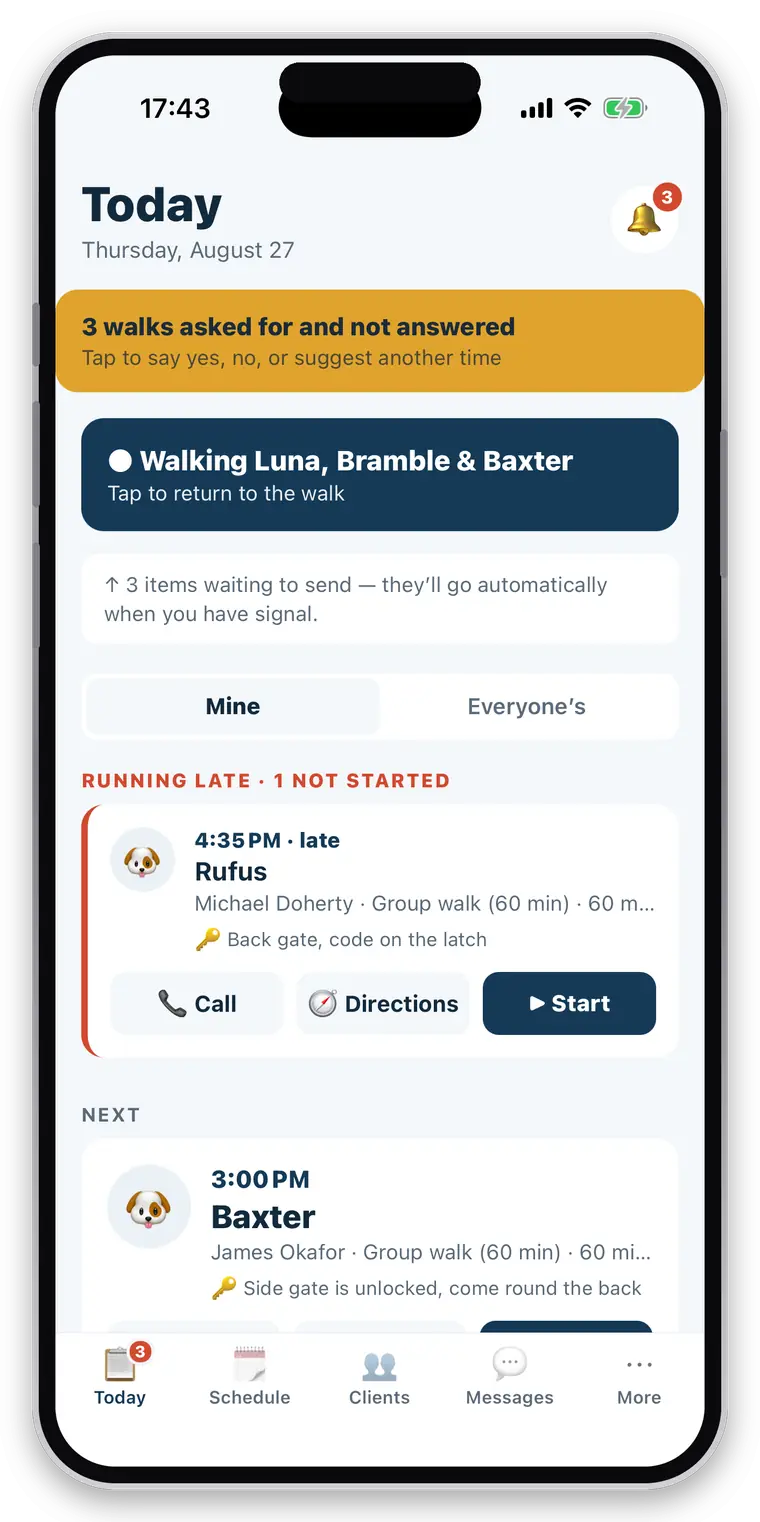
Most apps assume a connection. A dog walk does not have one.
Woods, valleys, the middle of a big park, a client’s back garden with thick walls. The moment software needs the internet to accept a tap, it fails exactly where the work happens — and the failure mode is worse than a spinner, because it is usually a record that never existed and a walker who thinks it did.
Where the work is
The places dogs are walked are disproportionately the places phones do not work.
Silent loss
A save that failed quietly looks exactly like a save that worked, until month end.
And the battery
Retrying a network call for an hour is also the fastest way to flatten a phone mid-round.
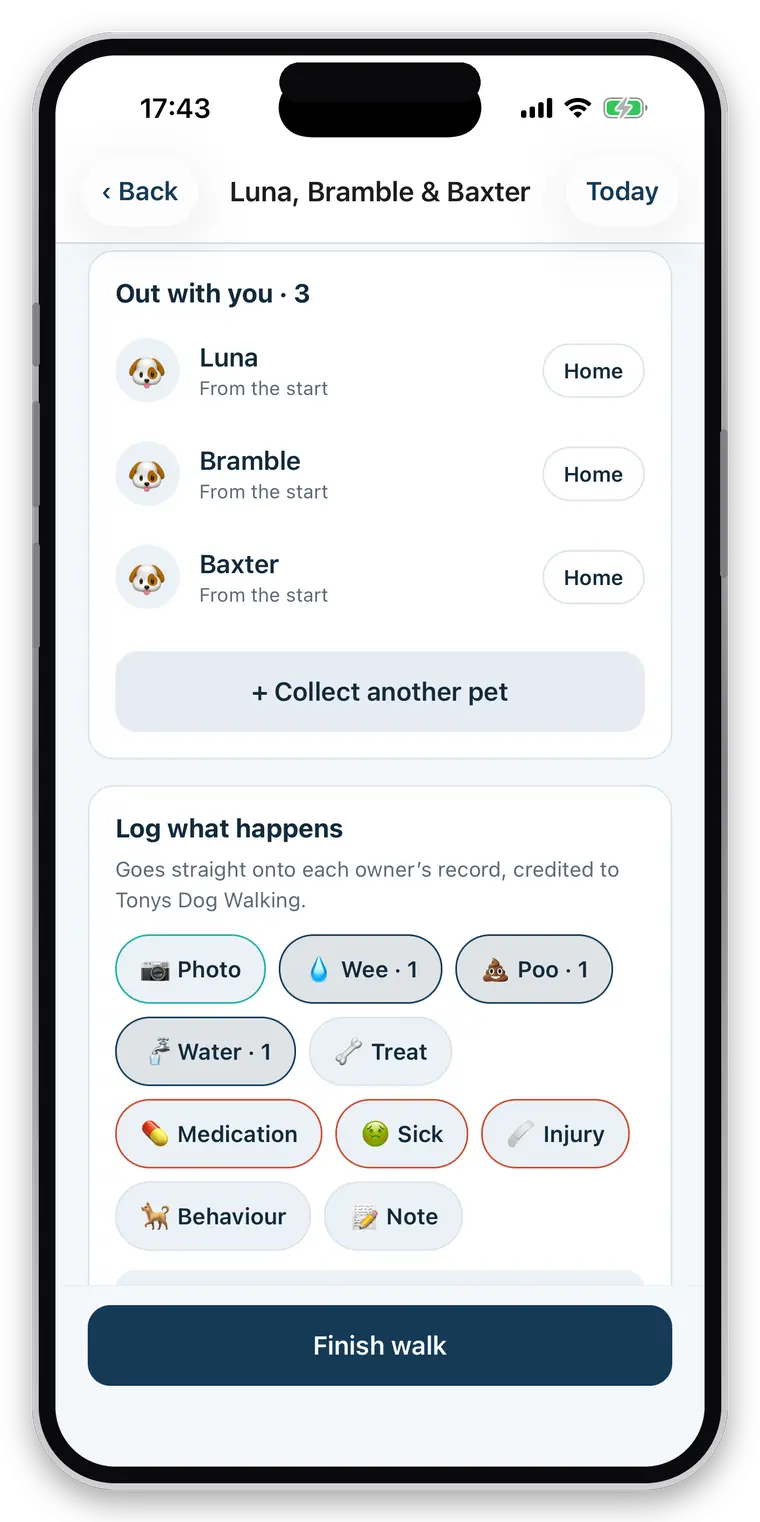
The phone is the record. The server catches up.
Every action during a job is written to a database on the device before anything else happens, and queued for sending. There is no moment where your work exists only in a request that might not arrive.
- Starting, pausing and finishing a walk
- Every logged event — water, toilet, treat, feeding, medication, note
- Photos, held on the device until they can be uploaded
- Booking changes made on a doorstep
- Your clients, schedule and invoice list are cached so they are readable with no connection
- A cached list is labelled as possibly out of date — never presented as current
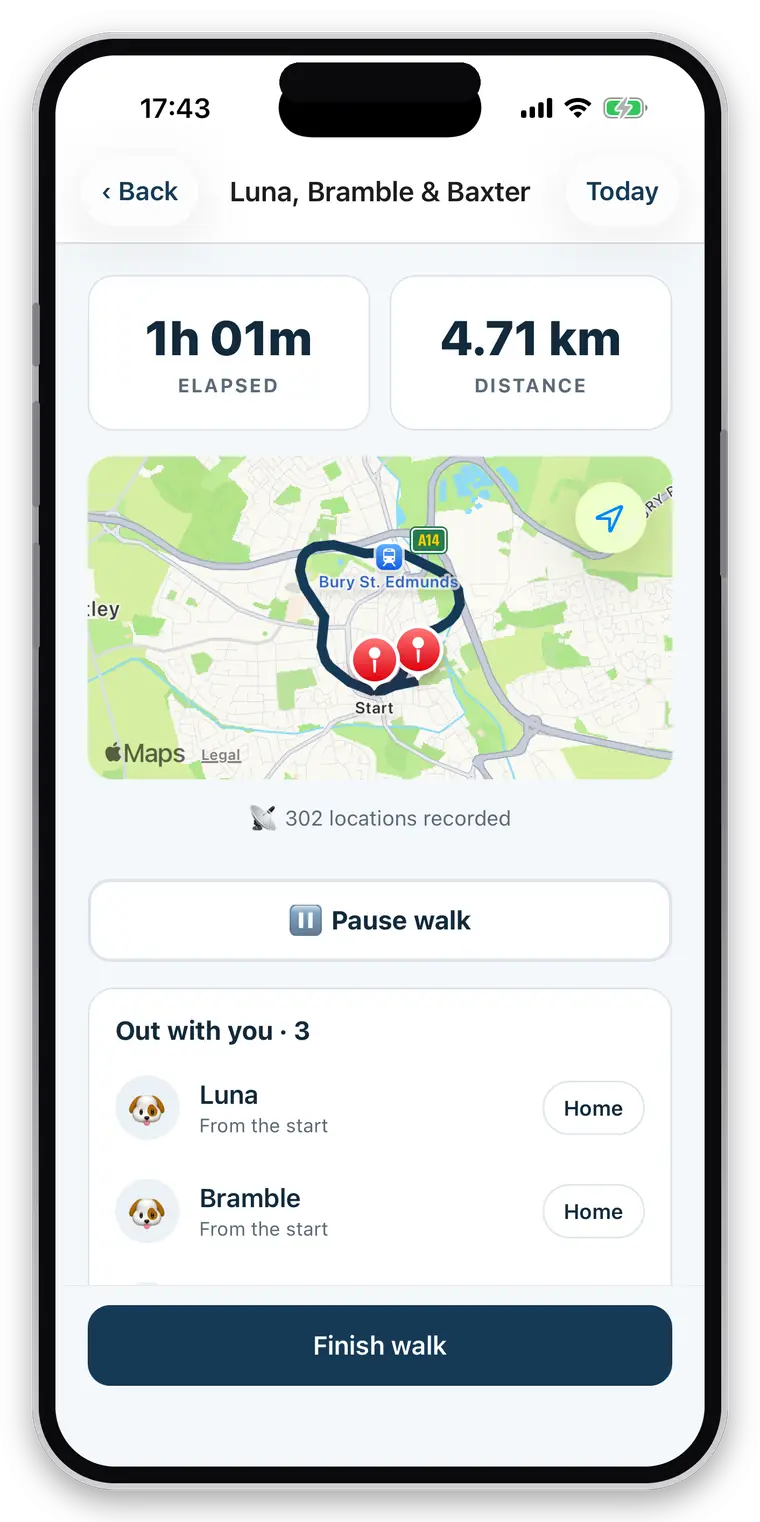
Ordered, durable, and honest about failure.
The details here are the difference between an offline feature and an offline claim.
- Strictly oldest first. A photo can never arrive before the walk it belongs to.
- Survives everything. App killed, phone restarted, battery dead — the queue is still there.
- A network failure pauses the queue rather than skipping ahead and attaching things to records that have not arrived yet.
- A genuine refusal is different. A record the server rejects for a reason retrying cannot fix is set aside and reported, instead of blocking your entire day behind it.
- A failed report is retried rather than dropped — and never delivered twice by accident.
- It flushes at app start, when you come back to it, after each action, and on a timer while anything is waiting.
Invoicing needs a connection, and we are not going to pretend otherwise.
Invoice numbers are issued centrally and in order. A VAT-registered business must not have gaps in that sequence, and there is no honest way for a phone with no signal to guess the next number and hope nobody else took it.
- Creating an invoice needs signal, and says so plainly when there isn’t any
- Your existing invoice list is still readable from the cache, labelled as such
- An empty invoice list with no connection says “we cannot check”, not “you have none”
- Everything about doing the work stays offline-first
Straight about what it does not do
Offline means recording, not everything. Sending a message, receiving a booking request, delivering a report and creating an invoice all need a connection at the moment they happen — the first three queue and go through when you reconnect; the fourth waits for you. GPS itself is a satellite fix and works with no data connection at all.
Related
Questions walkers and sitters actually ask
What happens when there is no signal?
The walk carries on. Everything you tap is written to your phone first and reported as done, because it is done — the queue empties itself when you come back into range. The one exception is invoicing, which needs a connection and says so, because invoice numbers are issued centrally and in order.
Does GPS keep recording with the phone locked?
Yes. Recording continues with the screen off and the phone in your pocket, using background location. If the app is force-quit mid-walk it offers to resume when you reopen it, with nothing lost.
Can I pause a walk?
Yes. Pause when you stop for a chat or drive between two stops, and resume when you set off again. Paused time is not counted in the duration and the paused stretch is not counted in the distance — so a walker who paused and drove two miles does not hand the client a two-mile walk.
Are invoice numbers sequential?
Yes, with your own prefix, issued centrally so two devices invoicing at the same moment cannot produce the same number or skip one. An empty invoice can never take a number, and a numbered invoice cannot be emptied afterwards.
Try it with the phone in aeroplane mode.
It is a fair test and it is the one we would run. Record a walk with no connection, then turn it back on and watch the queue empty.
Full access for 30 days · No card · Unlimited clients and pets