Get your business out of your personal WhatsApp.
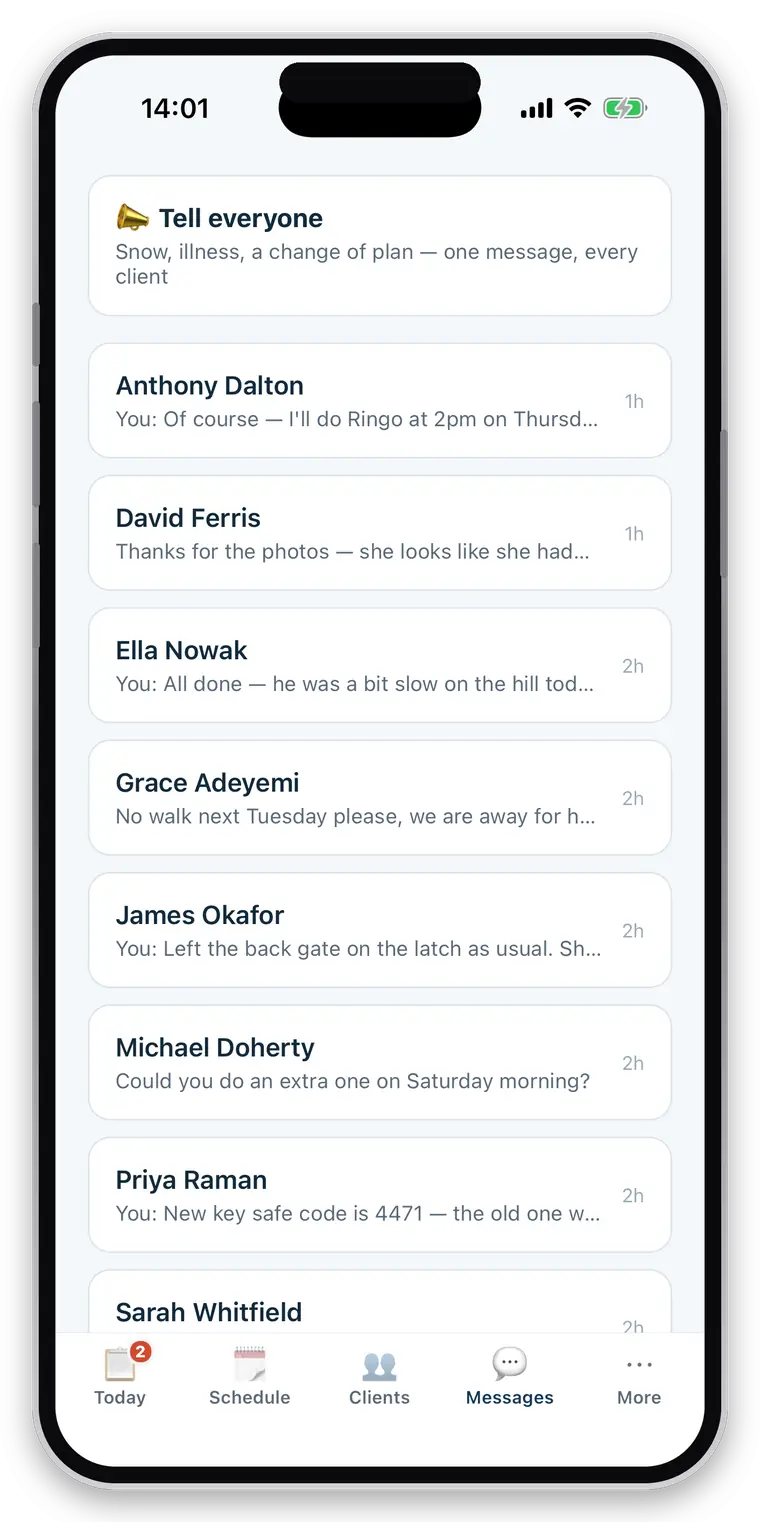
One thread per client, attached to the household it is about and to the business rather than to whichever phone number happened to answer. Owners message you free, from the app they already have your reports in.
- One thread per client, with photos
- Unread markers — and a partner can see it was answered
- Broadcast to every client at once
- Free for the owner, permanently
Full access for 30 days · No card · Unlimited clients and pets
WhatsApp was the right answer, and it stops being one.
It is instant, everyone has it, and clients like it. What it cannot do is stay separate from your life, belong to your business rather than your phone, or keep “can you do Thursday” anywhere near the dog it is about. Somewhere around the point where you are answering messages at half past nine at night, on your own number, about a walk that happened at eleven, it has become the problem it solved.
It is your personal number
Which means it is your evening, your weekend and your holiday too.
It belongs to a phone
Take on a partner and either they get your phone, or the client gets two people to message.
Nothing is attached to anything
A photo of a limp, a change of gate code and a booking request all live in the same scroll.
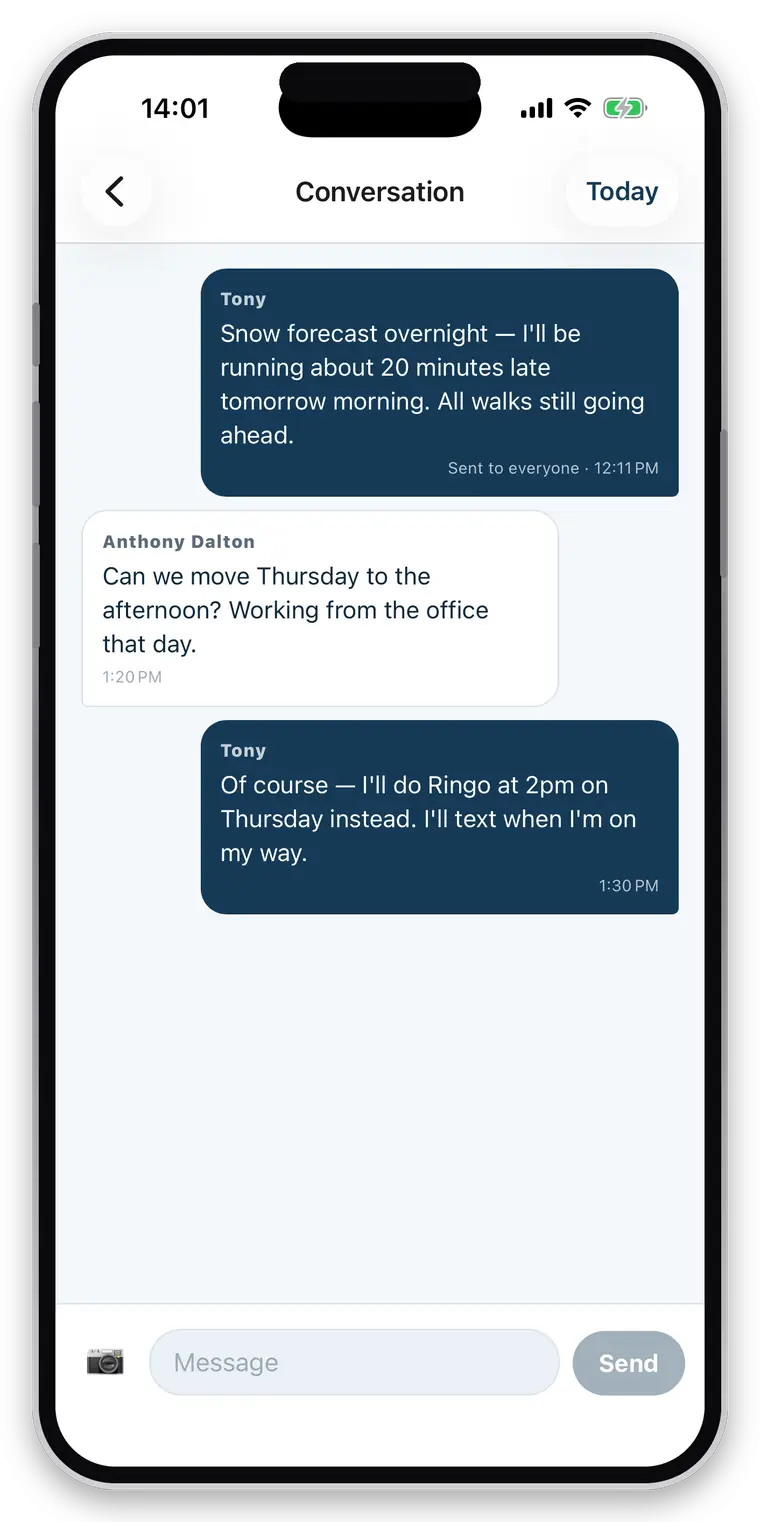
One per client, because that is how you think about them.
Not one per pet — that would split “can you do Thursday?” from “Bella’s limping” for a household with two dogs, and neither half would make sense on its own. Not one per person, which gives you two threads when a couple both use the app.
- Both sides are groups: your business, and their household
- Whoever picks it up answers, and the other can see it was answered
- Read state is per person, so your partner’s unread is not your unread
- Send photos without leaving the thread
- The conversation stays with the business when someone joins or leaves it
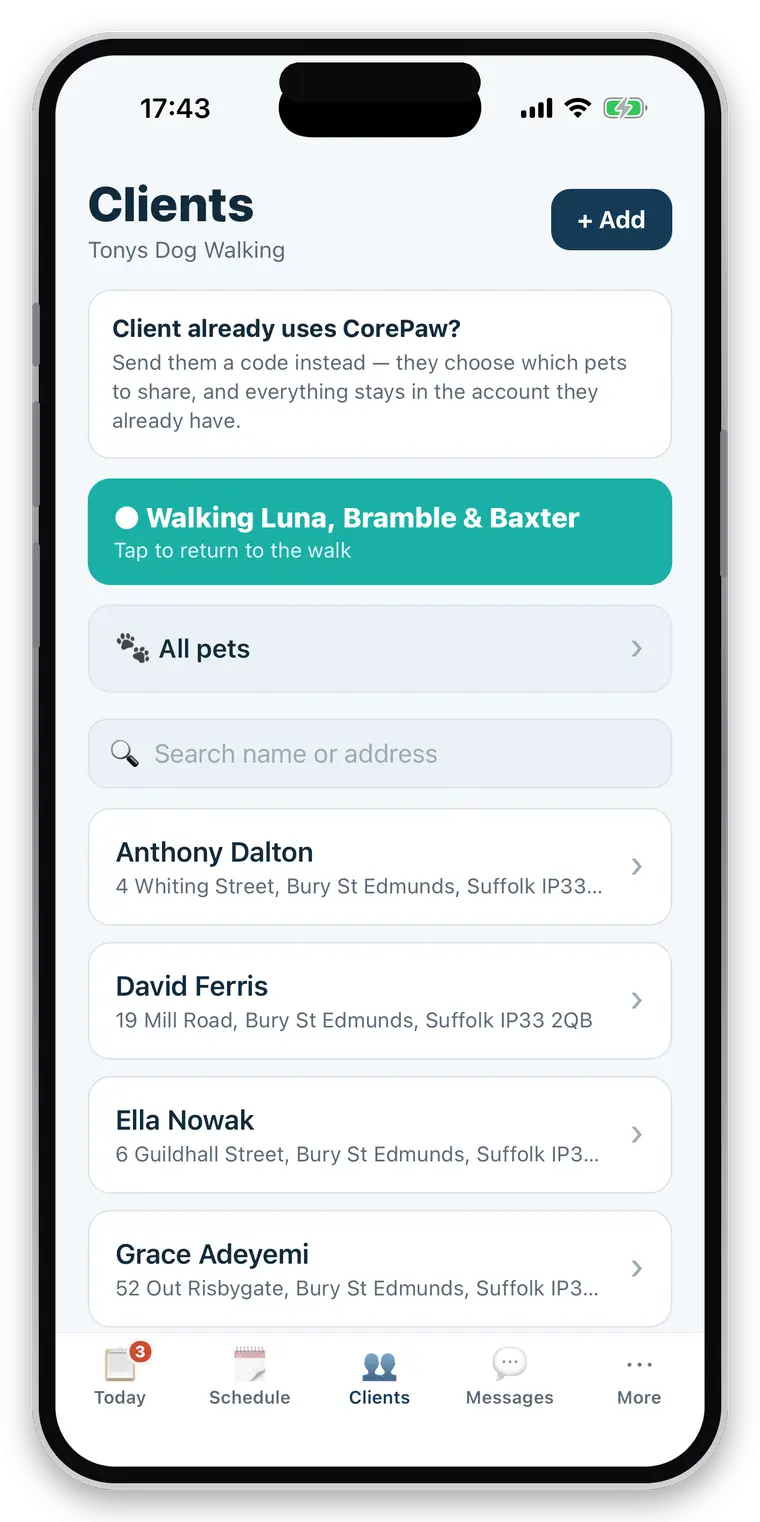
“Snow tomorrow, no walks.” Once.
The message you currently send by copying and pasting into thirty chats, or by making a group nobody wanted to be in.
- One announcement to every client at once
- Replies come back into each client’s own thread, privately
- No client sees another client’s name or number
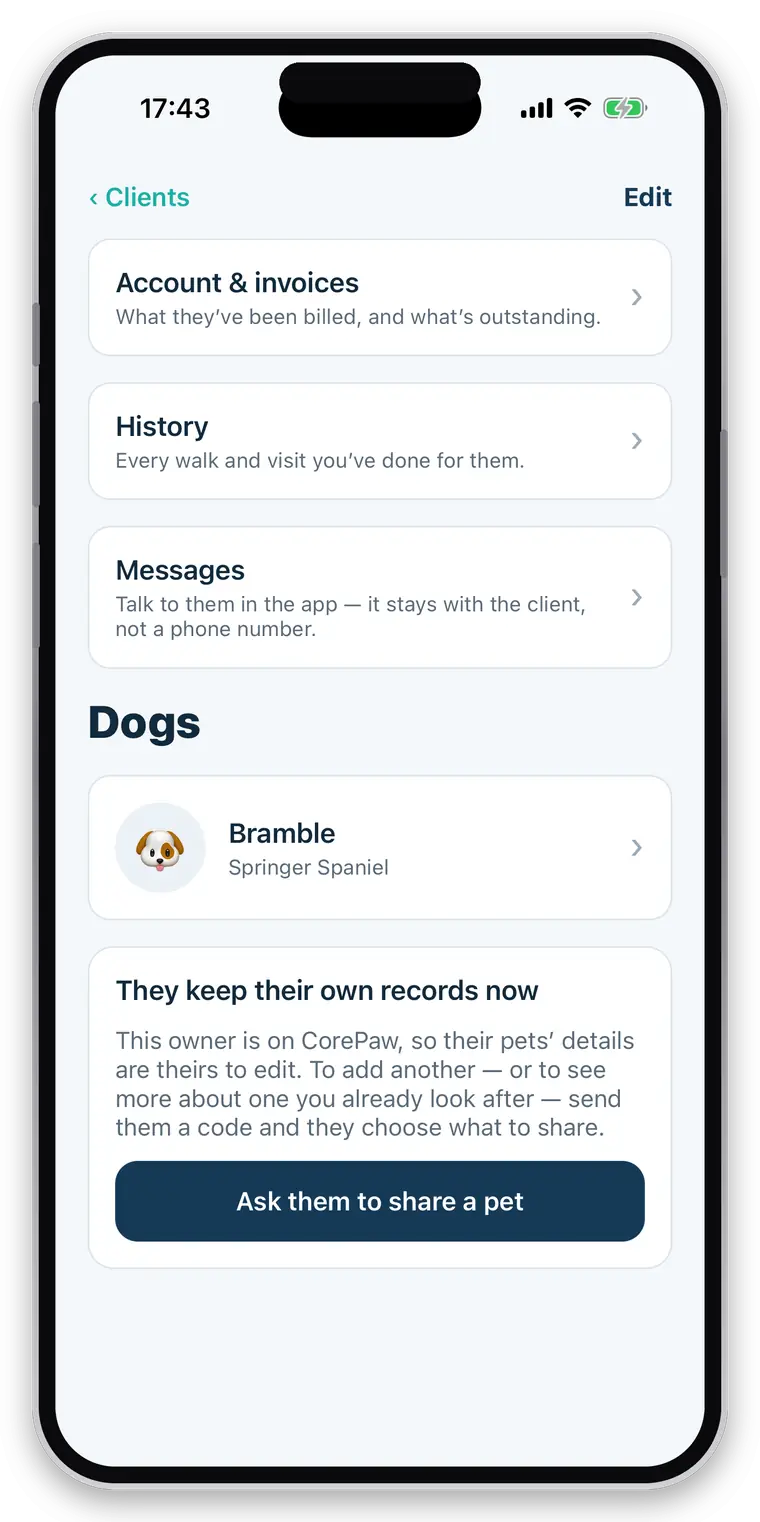
Free, in the app they already have your reports in.
Owners use CorePaw — the free app for their own pets — and your conversation appears there alongside the walk reports and photos you send. There is no second business app for them to install, and no subscription standing between them and you.
- Messaging you is never behind an owner paywall
- Neither are booking requests, or reading your reports
- Notifications so a message about running late arrives while it still matters
- The message text is stored and delivered by us, so a push that fails does not lose it
Straight about what it does not do
There is no SMS — messages reach owners through the CorePaw app rather than as texts, so a client who will not install anything is reached by email reports and a phone call instead. There are no message templates, no scheduled sends and no read receipts for individual messages.
Related
Questions walkers and sitters actually ask
Can I message clients in the app?
Yes — one thread per client, with photos. It stays attached to the business rather than to whichever phone number answered, so taking on a partner does not mean forwarding two years of texts, and either of you can pick up a conversation and see it was answered.
Can I send one message to every client?
Yes. A broadcast — "snow tomorrow, no walks" — goes to all of them at once, and replies come back into each client's own thread.
Do owners have to pay for CorePaw?
No. Reports, photos, route maps, pickup and drop-off notifications, messaging you and requesting a booking are free for owners, permanently. Nothing your business depends on ever sits behind the owner's paywall — if an owner could not book a walk because they would not pay a subscription, you would lose the booking, and you are the customer.
Does the owner need this app too?
No. Owners use CorePaw, the free owner-facing app, and everything about you appears there only once they have a walker. There is no second business app for them to install, and no download is needed for them to be your client.
Can my staff see every client?
Only if you allow it. A restricted employee sees the jobs assigned to them and the clients those jobs belong to. Money, colleagues and everyone else's clients can all be kept out of reach, and the limits are enforced at the database level rather than by hiding buttons.
Take your evenings back.
Move one client into a proper thread and see how much of the noise was really about scheduling.
Full access for 30 days · No card · Unlimited clients and pets