You hold addresses, routines and door instructions for dozens of households.
So it matters exactly who can see what, and it matters that the answer is enforced somewhere a bug in a screen cannot undo. This page explains how it works, in the words we would use to explain it to a client of yours.
Access is granted per pet, not per household.
An owner shares a specific animal with your business. A household with a dog and a cat can share the dog with you and keep the cat entirely out of it — you will not know the cat exists. When they later add the second pet, that is a fresh decision they make, not something that follows automatically from the first.
- A business is invited to one pet at a time
- An owner can add another pet to a business they already use, without a new code
- An owner can end the relationship for one pet and keep it for another
- Nothing an attacker could get an owner’s session to do can hand a pet to a business the owner has never heard of
Health, medication, feeding, documents and photos are separate permissions.
Sharing a dog with you does not hand over its medical history. Each area is granted on its own, and a walker who has been given feeding instructions has not thereby been given the medication schedule.
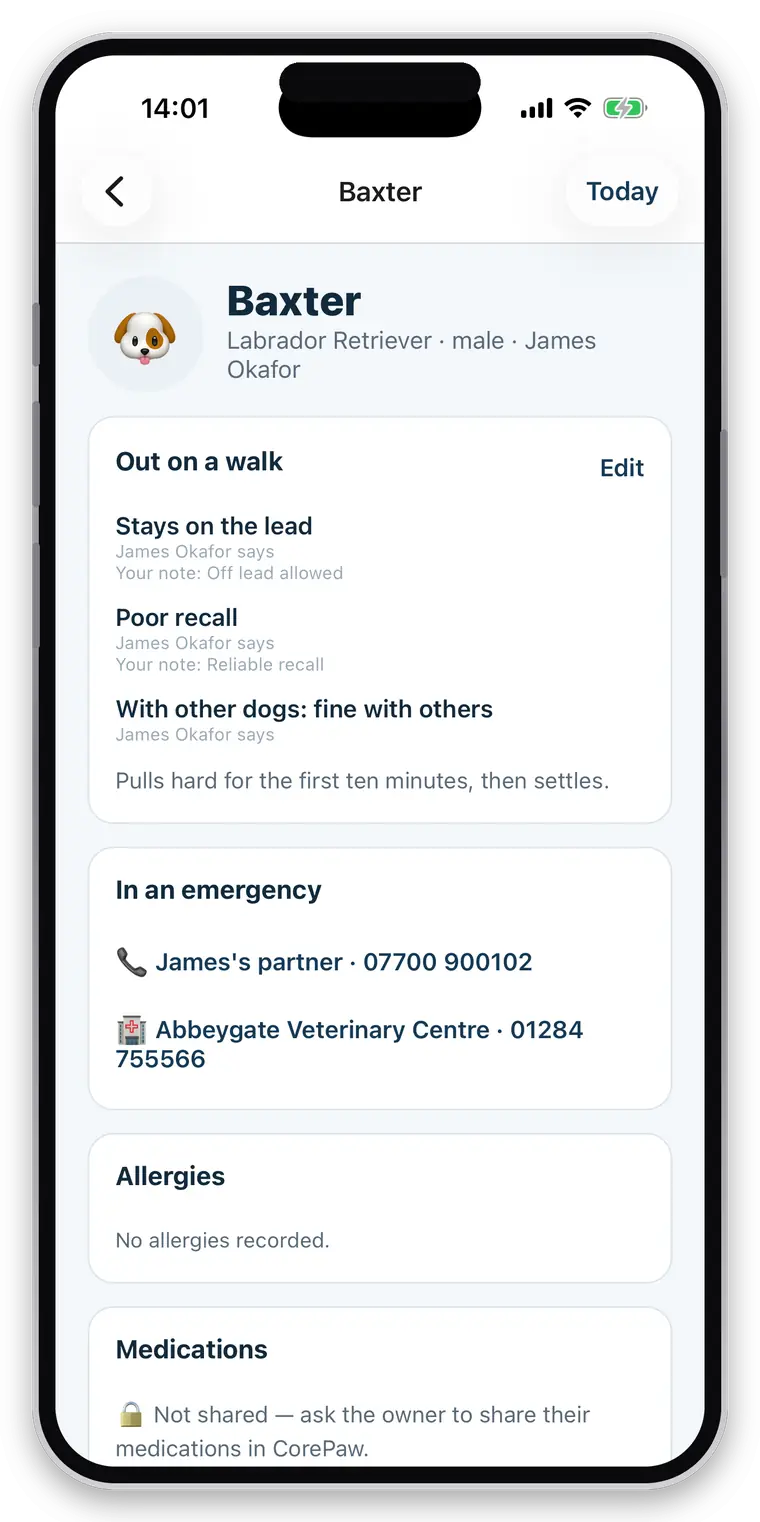
One category is deliberately different. Handling and safety information travels with the animal — whether she can go off the lead, how her recall is, how she is with other dogs, what she is nervous of. That is a fact about the animal that the household keeps, and it is visible to any carer the owner has shared the pet with, including the neighbour who pops in. Hiding it behind a permission would mean the most dangerous gap in the record is the one easiest to leave open.
“Not shared” is never shown as “nothing to report”.
An empty allergy list read as this dog has no allergies is the single most dangerous thing a pet-care app could put in front of a carer. So where an area has not been shared, the app does not render an empty list — it renders a locked card that says the owner has not shared it and tells you how to ask.
What you see when it IS shared
Medication
Apoquel 16 mg, once daily with food. Owner consents to you giving it.
Or, where genuinely empty: “Nothing recorded.” — which is a real answer from someone who could see.
What you see when it is NOT
🔒 Medication — not shared
Ask the owner to share medication in CorePaw. This is not “no medication”.
The same distinction runs through the whole app. Zero rows is not an answer, and a silence that looks like a success is the failure mode this product is most careful about.
A restricted employee can never see more than you and the owner both allowed.
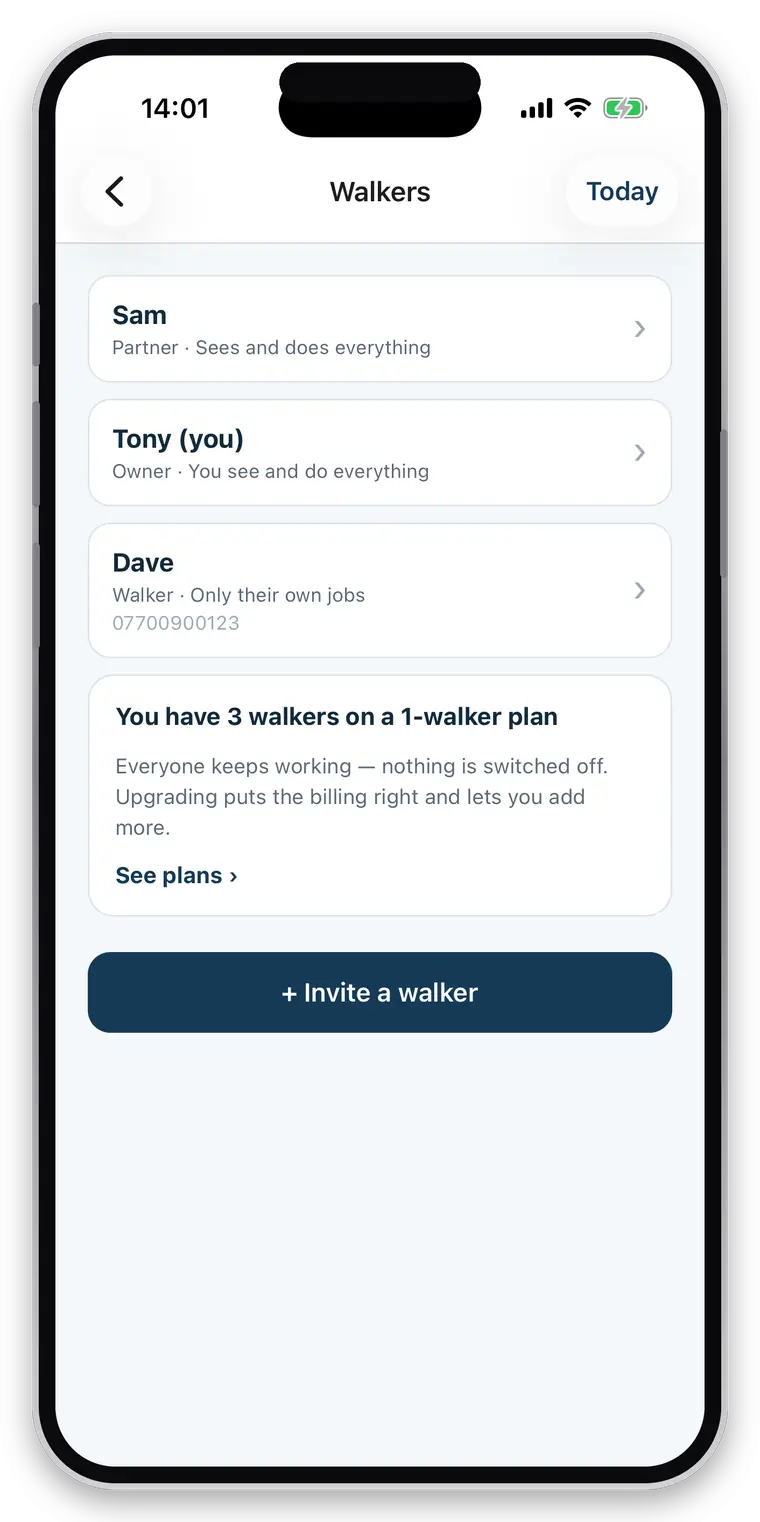
Two limits apply at once, and they multiply rather than override. The owner decides what your business may see about their pet. You decide what each member of your business may see. An employee ends up with the smaller of the two, always.
- An employee sees the jobs assigned to them, and the clients those jobs belong to
- Not your other clients, not your colleagues, not your invoices — unless you grant it
- Money is its own permission: prices and invoices can be kept out of reach entirely
- Granting a member an area they cannot see the pet for grants them nothing
Enforced in the database, on every read and write.
Every one of these rules is expressed as row-level security in the database rather than as logic in a screen. That distinction is the whole point: a rule enforced only in the interface stops working the moment anything else asks the same question — a different screen, a background job, a future version of the app.
One controlled backend
CorePaw and CorePaw Pro run on one system with one set of rules, rather than two products trading data across a boundary. That is what lets a walk you record appear in the owner’s own record of their animal without either app being trusted to police the other.
You add, you do not rewrite
A walker records what they did — a walk, a dose given, a note, a photo — as new entries attributed to them. You cannot alter or erase the history an owner keeps about their own animal, and nobody in your business can either.
Attribution is checked, not claimed
Every walk and event records who performed it, and the database refuses an entry claiming to be someone else’s work. An attribution nobody verifies is only a suggestion.
Access ends. Your business records do not.
The split is deliberately asymmetric, and it is decided in advance rather than argued about afterwards.
What you lose, immediately
- The pet’s profile and care information
- Owner contact details and address
- Pickup instructions and any access notes
- Photos and media from the relationship
What you keep
- Your invoices — they are tax records
- Your business totals: walks, distance, years active
- Enough to keep naming the pet on your own past invoices and bookings, so your records do not go anonymous
The owner, meanwhile, keeps everything: every walk, route, photo and report stays in their own record of their animal, forever. It is their pet’s history. And because the ending is enforced by the same rules as the access, it is not a matter of the app choosing to hide things — the data stops being readable.
Local first, then sent — and what that means for you.
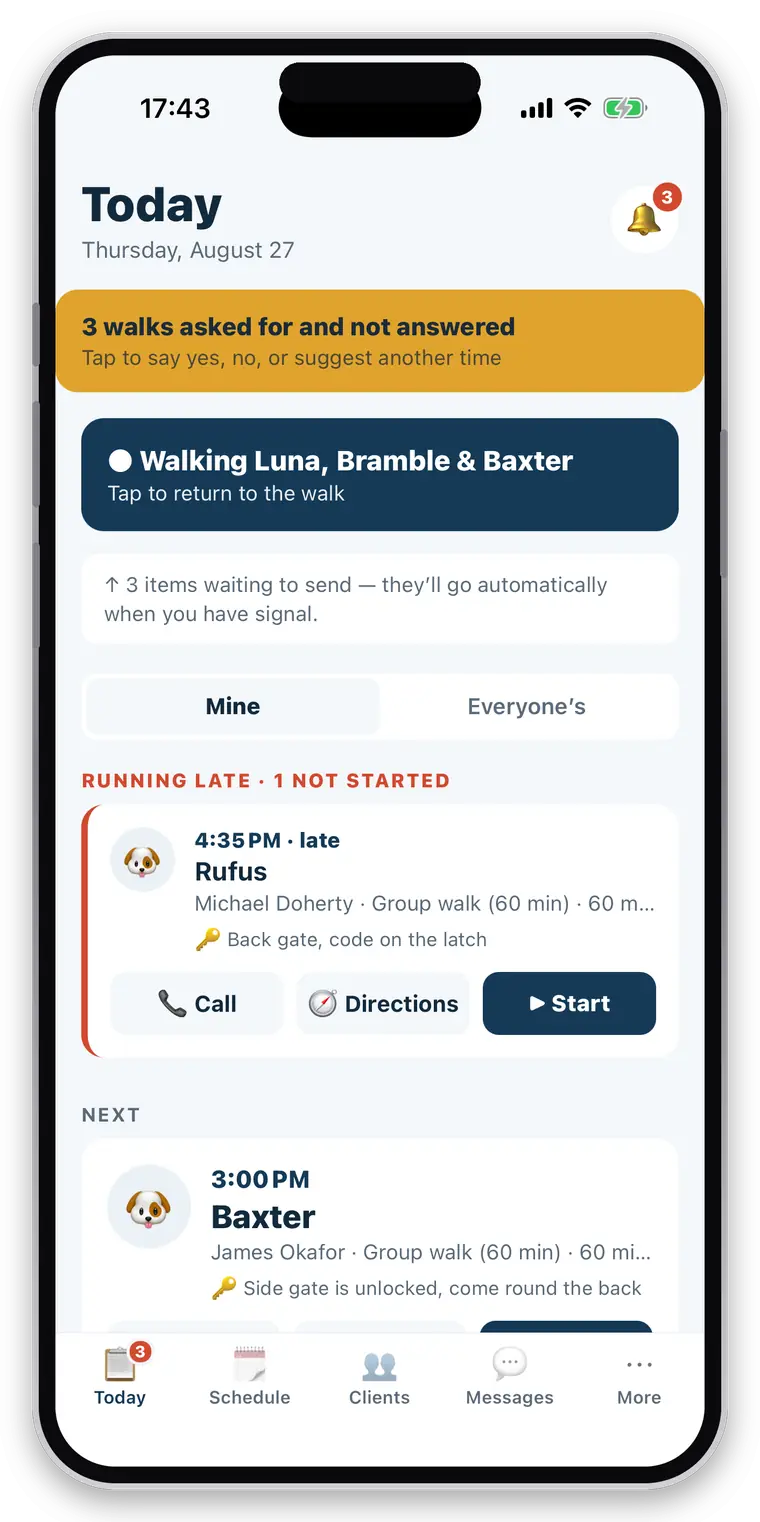
During a job, your phone is where the record is made. Events, photos and the walk itself are written to a database on the device and queued for sending. That is what makes the app work in a park with no signal, and it is worth being straight about the consequences.
- Work you record offline is held on your device until it sends
- It survives the app being closed, killed or the phone restarting
- It sends oldest-first, so nothing arrives out of order
- Your clients and schedule are cached so they are readable with no connection — a cached list is labelled as possibly out of date rather than presented as current
- A record the server genuinely refuses is reported to you, not retried silently forever
Protect your phone as you would protect the notebook it replaces: a passcode and device encryption, which both iOS and Android give you by default.
A report either arrived or it didn’t, and you get to know which.
Every report carries a delivery state: sent, failed, or no email address on file. If sending fails it is retried, and you can send it again yourself from the walk. A report that already reached the owner is not sent twice by accident.
This exists because of the failure it prevents. A walker who finished a job in a field with no signal used to have no report sent, no retry, no record and no way to ask for one — and believed the owner had their photos. A silence that is indistinguishable from success is the worst kind of bug in a product whose whole job is reassurance.
Gate and key-safe codes
There is a field for an access-code hint on a client record, and today it is stored as ordinary text, like the pickup instructions beside it. It is protected by the same access rules as the rest of that client’s record — your business, and the members of it you allow — but we are not going to describe it as encrypted, because it isn’t, and a security claim you cannot stand behind is worse than no claim at all.
Treat it accordingly. A hint that reminds you which code it is — “same as the garage” — is a much better use of the field than the code itself.
A properly encrypted access-code field, with a key held on your device and never sent to us, is designed and intended. When it ships it will be described here, and not before.
Privacy questions
Can an owner restrict what I see?
Yes, per pet and per area. A household with two dogs can share one and not the other, and can share feeding but not medication. Where something has not been shared, the app shows a locked card saying so — never an empty list. "Not shared" and "nothing to report" must never look the same, because an empty allergy list read as "no allergies" is the most dangerous thing a walking app could show you.
Can my staff see every client?
Only if you allow it. A restricted employee sees the jobs assigned to them and the clients those jobs belong to. Money, colleagues and everyone else's clients can all be kept out of reach, and the limits are enforced at the database level rather than by hiding buttons.
Where are permissions actually enforced?
In the database, in row-level security, on every read and write — not in the app's screens. That distinction matters: a rule enforced only in the interface is a rule that stops working the moment anything else asks the same question.
Can I change an owner's health records?
No. You add what you did — a dose given, a note, a photo, a walk — as new entries attributed to you. You cannot rewrite or erase the history an owner keeps about their own animal, and neither can anyone else in your business.
What happens when a client relationship ends?
Your access to their private information ends with it: the pet profile, contact details, care notes and media all go. You keep your invoices, because they are tax records, and your own totals. The owner keeps every walk, route, photo and report forever in CorePaw — it is their pet's history. Your past invoices and bookings can still name the pet, so your own records do not go anonymous.
Who owns the client relationship?
You do. CorePaw Pro is a tool you run your business with, not a marketplace that places clients. There is no directory bidding for your customers, no lead fee and no route by which another business is offered your round.
How do I delete my account?
From inside the app, or by asking us. There is a route that does not require the app to be installed, and it removes your account and its data rather than merely hiding it. See the delete-account page for what is removed and what is kept for tax purposes.
Your clients, your relationship.
CorePaw Pro is a tool you run your business with — not a marketplace bidding for your customers, and not a payment processor taking a slice on the way past.
Full access for 30 days · No card · Unlimited clients and pets