Bring someone in without handing over your whole client book.
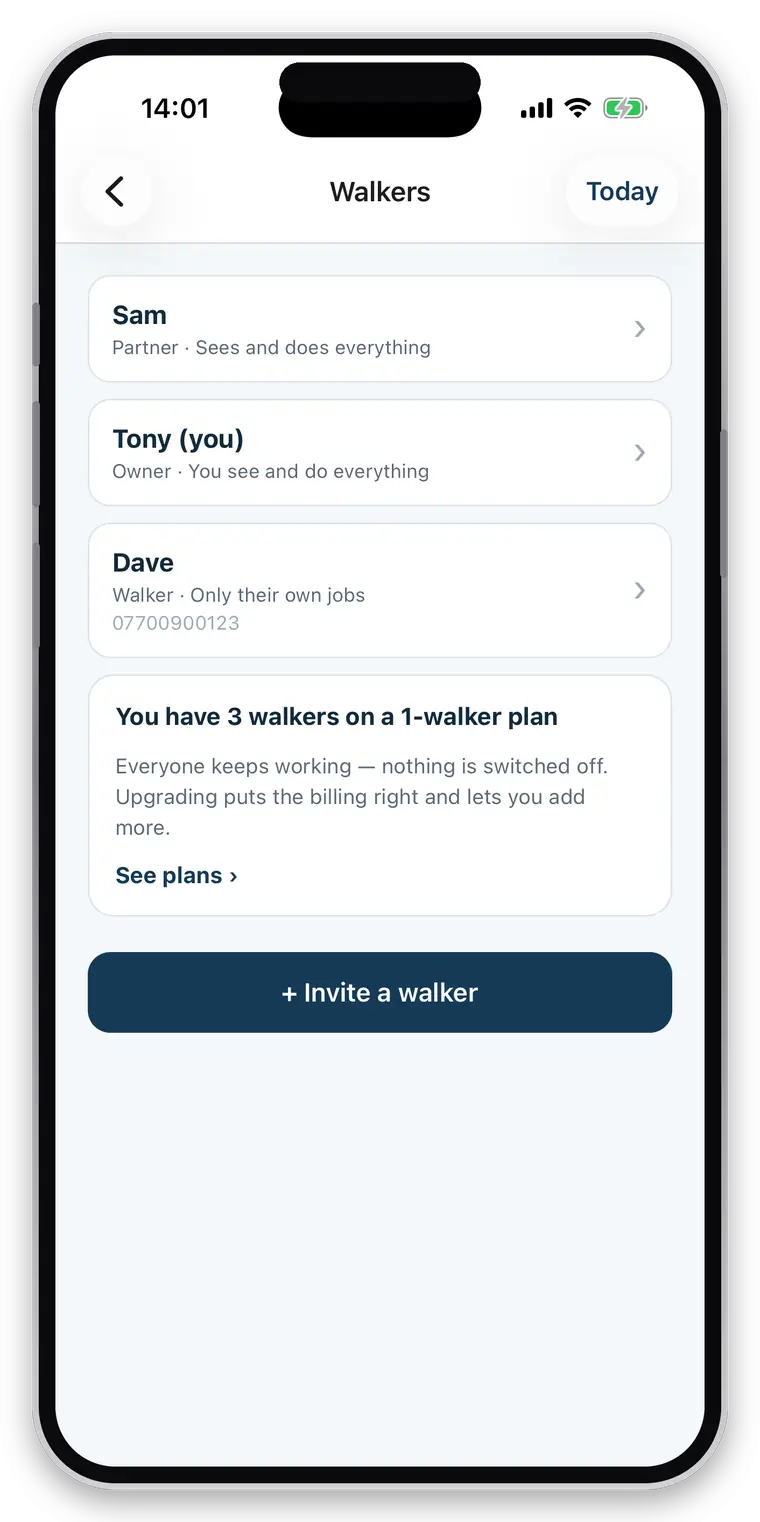
A partner who sees everything, or an employee who sees only the jobs you gave them. Both get their own login, and every walk records who actually did it.
- Full-access partners, or restricted employees
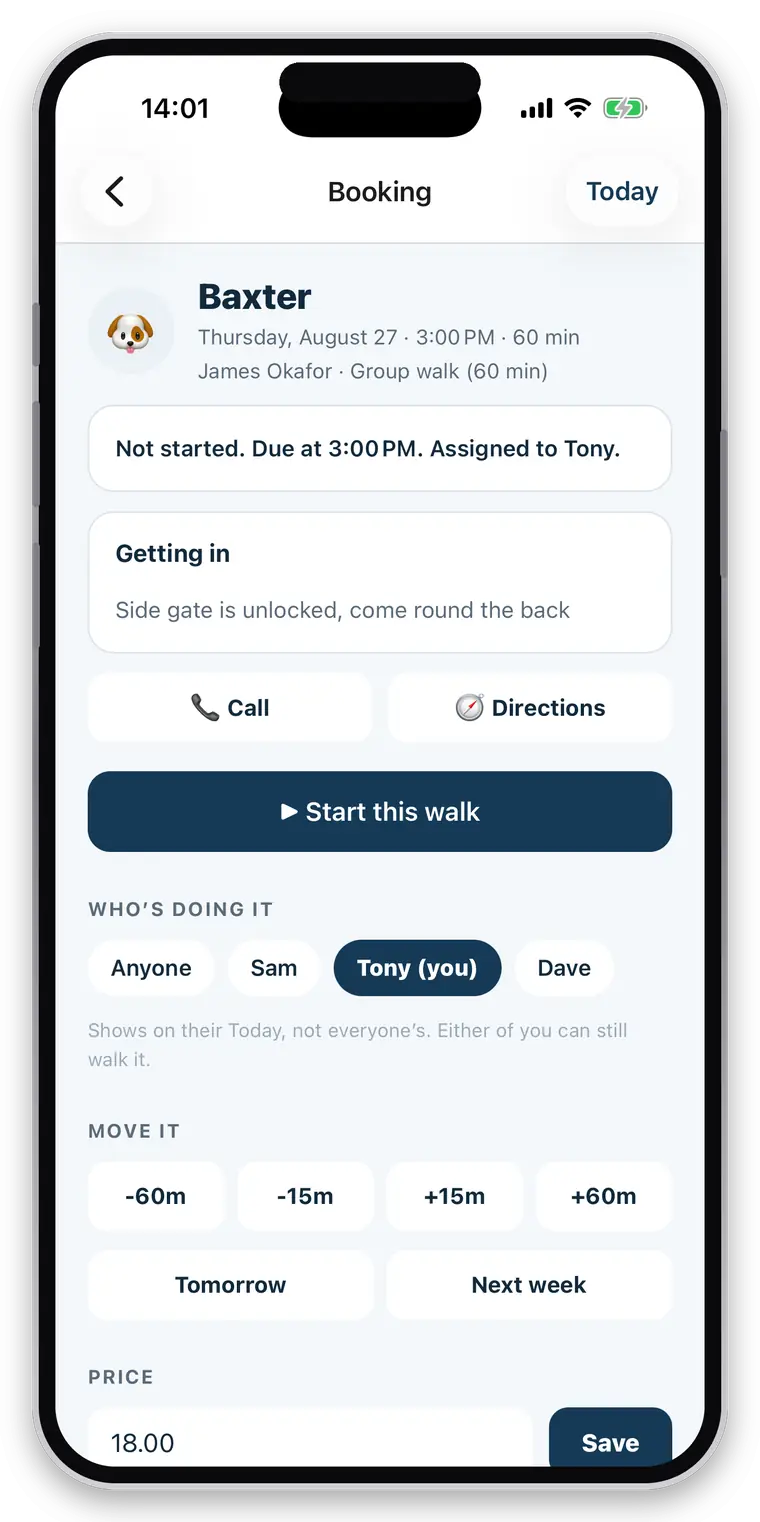
- Assign any job to any walker
- Money is its own permission — prices and invoices can stay yours
- Every job records who performed it, on the report and in your history
Full access for 30 days · No card · Unlimited clients and pets
The first hire is the moment the informal system breaks.
Everything that lived in your head now has to live somewhere they can read it. Everything in your phone now has to reach theirs. And a set of questions you have never had to answer arrives at once: should they be able to see what you charge? Your other clients? Their addresses? What happens to all of that if they leave and set up on their own?
Briefing by phone
Which is fine for one dog and impossible for a day’s round.
All or nothing
Most tools give a new person either your whole business or nothing useful.
“Who did Tuesday?”
A question you cannot answer from your own data if nothing recorded the answer.
A partner, or an employee. They are genuinely different.
The commonest team is not a ten-person company — it is two people running one round and swapping which dogs each takes. That needs no hierarchy at all. An employee is a different question, and gets a different answer.
- Partner: same clients, same schedule, same invoices, no permission tiers
- Employee: their own login, and only what you grant
- Separate permissions for clients, the schedule, editing, and money
- An employee sees the jobs assigned to them and the clients those jobs belong to — not your whole book
- Invite by a code you read out
- Going over your seat count never switches anyone off. Everyone keeps working; the app tells you the billing needs putting right
Your staff can never see more than you AND the owner allowed.
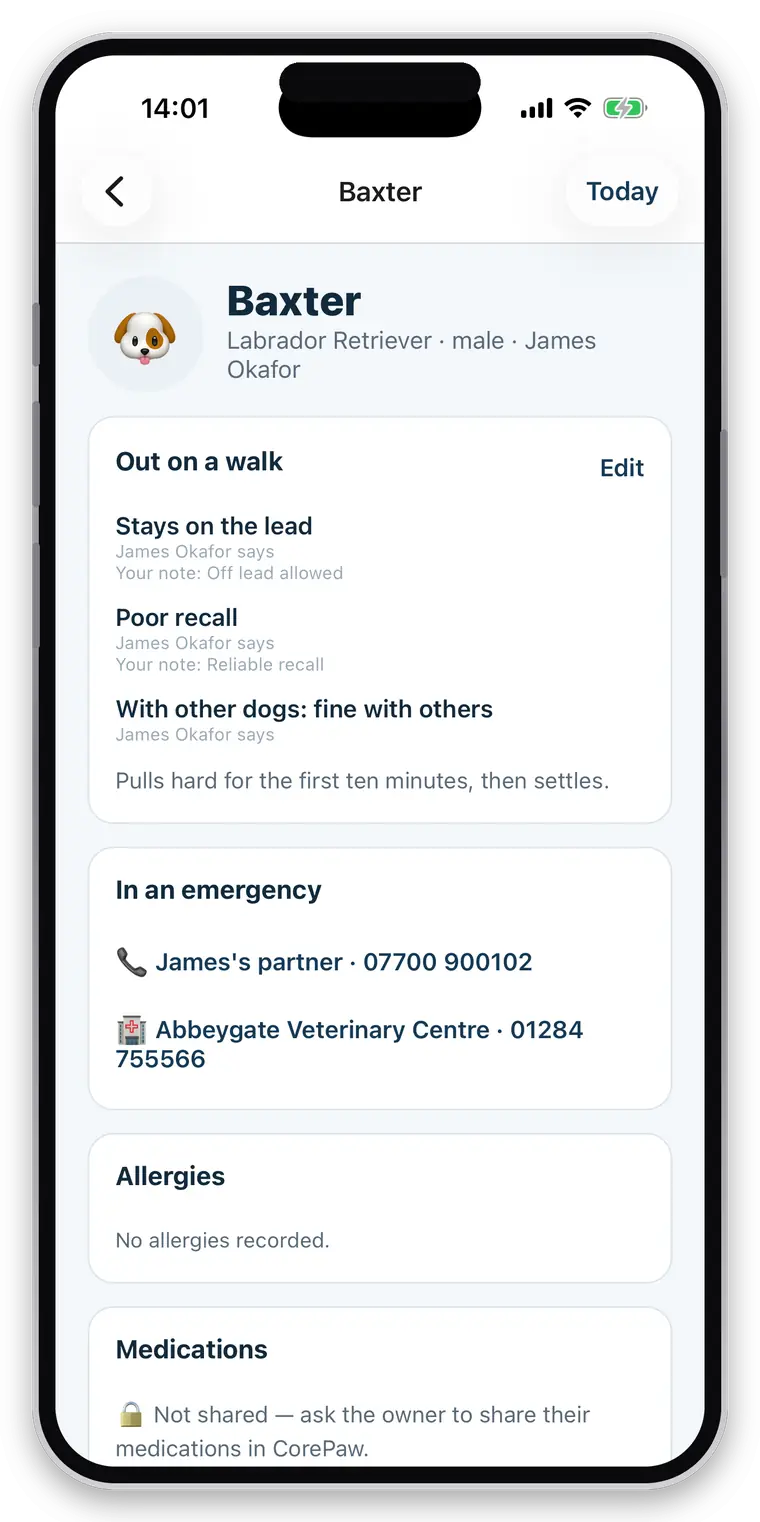
The owner decides what your business may see about their pet. You decide what each member of your business may see. An employee ends up with the smaller of the two, every time, and the rule is enforced in the database rather than by hiding a button.
- Granting a member an area for a pet they cannot see grants them nothing
- Health information stays gated on the owner’s permission, whatever you set
- Restricted staff can be kept entirely out of prices and invoices
- Colleagues’ clients stay invisible unless you say otherwise
- A member who leaves loses access; the work they recorded stays attributed to them
Who did Tuesday.
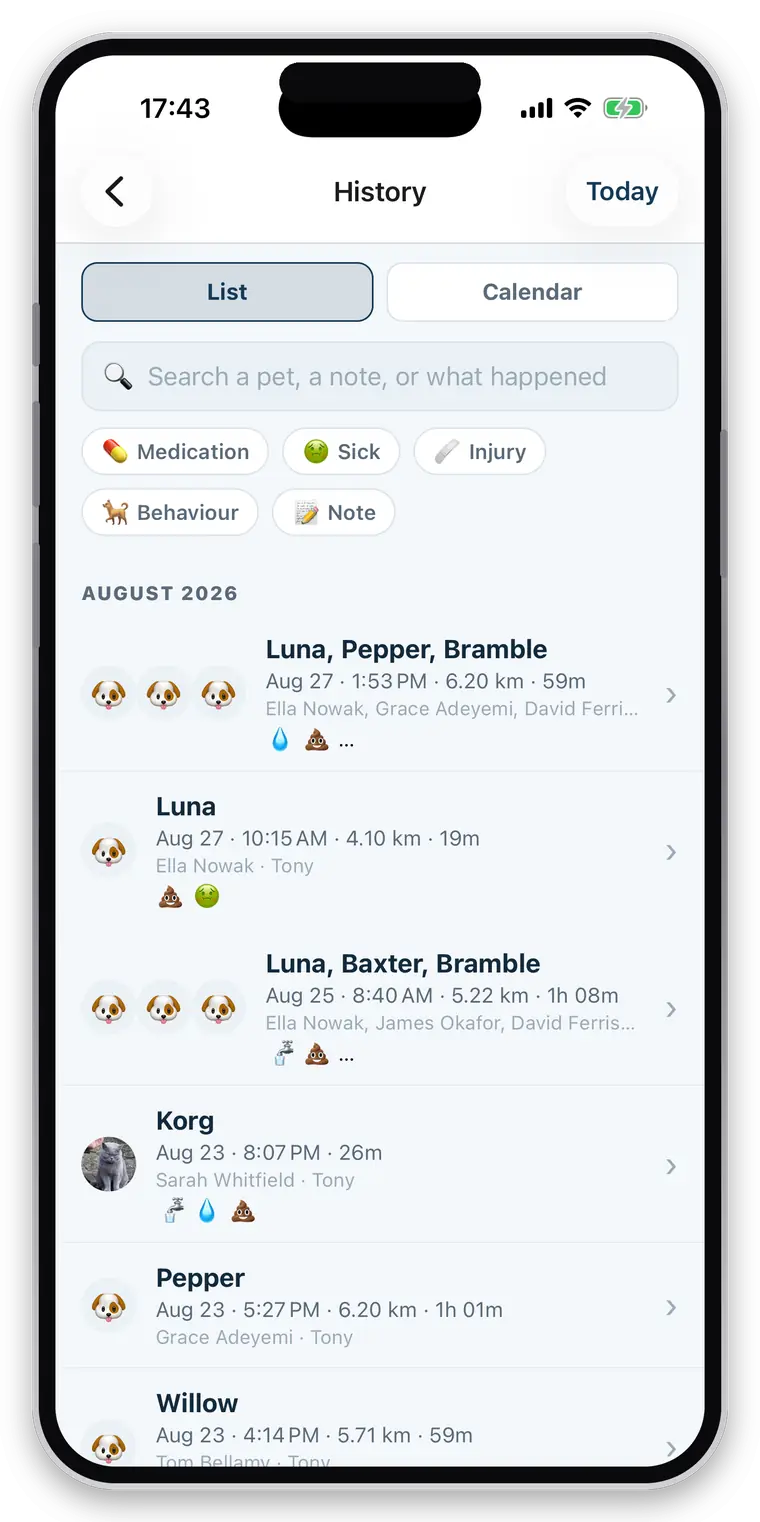
Every walk, visit and event records the person who performed it, and the database refuses an entry claiming to be someone else’s work.
- “Dave walked Bella today” on the owner’s report, not just your business name
- Your own history answers who did what, and when
- The record survives a person leaving the business
- A solo business never sees any of this — the team screen says “just you”
Straight about what it does not do
This is not staff administration software. There is no payroll, no timesheets, no availability or holiday management, no mileage or expenses, and no live map of where your walkers are. Assignment and permissions exist; scheduling around someone’s availability does not yet.
Questions walkers and sitters actually ask
Can a team use it?
Yes. A business can have full-access partners and restricted employees. An employee sees only the jobs assigned to them and only the clients they have a booking for, and can be kept out of invoices and prices entirely. Those limits are enforced in the database, not hidden in the app.
Can I assign work to staff?
Yes. Any booking can be assigned to a member of your business, and a restricted employee sees only what is assigned to them. Every walk also records who actually did it, so the owner's report can name them and you can answer "who did Tuesday?" from your own data.
Can my staff see every client?
Only if you allow it. A restricted employee sees the jobs assigned to them and the clients those jobs belong to. Money, colleagues and everyone else's clients can all be kept out of reach, and the limits are enforced at the database level rather than by hiding buttons.
Where are permissions actually enforced?
In the database, in row-level security, on every read and write — not in the app's screens. That distinction matters: a rule enforced only in the interface is a rule that stops working the moment anything else asks the same question.
Can a solo walker use it?
Yes, and nothing about a team is in the way. With one walker the members screen says "just you" and the assignment picker on a booking does not render at all. Everything is scoped to your business from day one, so adding a partner later is a setting rather than a migration.
Is there a limit on clients or pets?
No. Unlimited clients, unlimited pets, unlimited bookings and unlimited walks on every plan. You pay by how many walkers your business has, never per client or per animal — capping the size of your client book to charge you more would be charging you for growing.
Add the person who covers your holiday.
Even a business of one has a second walker eventually. Everything here is already scoped to your business rather than to your phone.
Full access for 30 days · No card · Unlimited clients and pets