How to introduce new staff without sharing every client
Your first employee is the moment your client list stops being private. It does not have to be all-or-nothing: what a walker needs to do six jobs a week is much less than everything you know.
By Tony Dalton · Updated
Taking on help is the point where a dog-walking business becomes a business, and it is also the point where most owners feel genuinely uncomfortable — because the obvious way to do it is to hand over everything. Every client's address. Every phone number. Every gate code. The whole book.
That discomfort is well founded, and it is not really about trust.
Three separate reasons to limit access
Your clients did not agree to it. They gave their address, their key details and their dog's medical history to you. Whether that information travels to every future hire is a decision they have a stake in, and a professional business handles it deliberately.
Your client list is the business. It is also, in practice, the only asset a competitor could take. Someone who leaves with six clients' contact details has taken a small thing. Someone who leaves with three hundred has taken the round.
It is kinder to the employee. A new walker does not want three hundred clients' worth of confidential information on their phone. Handing it over makes them responsible for it, which is a weight nobody asked for.
What a walker actually needs
For the jobs they are assigned, and only those:
- The client's address and how to get in.
- Pickup and drop-off instructions.
- The pet's handling and safety notes — recall, off lead, other dogs, anything that makes the walk safe.
- The emergency contact and the vet.
- The service booked and how long it is.
- A way to reach you.
What they do not need, in most businesses: your other clients, your prices, your invoices, who owes you money, and the history of clients they have never walked.
Money is its own permission
Worth stating separately, because it is the one people forget to think about. Whether an employee can see invoices and totals is a different decision from whether they can see the schedule. A partner running the business with you needs it. A part-time walker doing six jobs a week does not, and giving it to them by accident is how your turnover ends up being discussed in a car park.
Hidden buttons are not security
The important technical point, in plain terms: there is a difference between an interface that does not show something and a system that will not give it out.
If access is only enforced by which buttons appear on screen, then the data is still being sent to the device — it is just not being drawn. That is not a limit; it is a curtain. Real restriction is enforced at the database, on every read and every write, so a request for a record the person is not entitled to comes back with nothing regardless of what the app asks for.
It matters because the difference is invisible until it is not.
Practical steps when you hire
- Decide, before day one, which category the person is: a full-access partner, or a restricted employee.
- Give them their own login. Never a shared one — a shared login means no record of who did what, which defeats attribution and makes offboarding impossible.
- Assign work explicitly, so their access follows the jobs they actually have.
- Tell your clients. "Dave will be covering Tuesdays and Thursdays" is a courtesy, and it is also the moment to confirm they are happy.
- Have a leaving process. Revoke the login the day it ends — not the week after.
How CorePaw Pro does it
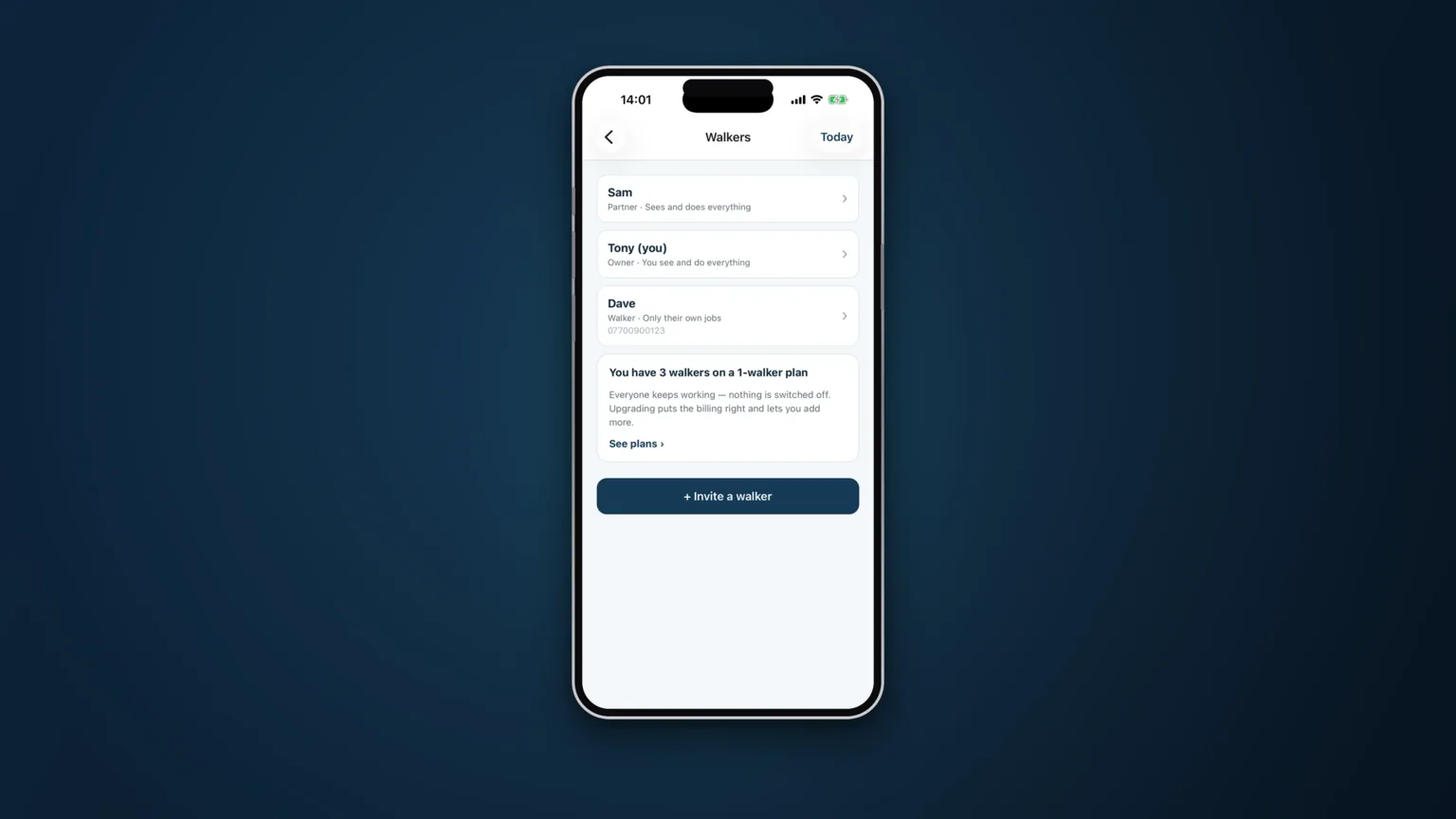
Full-access partners see and do everything. Restricted employees get their own login with only what you allow, and clients, schedule, editing and money are each separately grantable. Per-pet visibility means an employee sees the clients they have a booking for and not the rest of your book. It is row-level security on every read and write — enforced in the database, not buttons hidden in the interface. Invites are a code you read out, with the seat check applied when it is claimed, and every job records who actually did it.
Related articles
Run the round, reassure the owner, get paid.
CorePaw Pro puts your schedule, clients, pet-care notes, GPS walks, owner reports and invoicing in one field-ready app — and keeps working when the signal disappears.
Full access for 30 days · No card · Unlimited clients and pets