Setting up your services and prices in CorePaw Pro
The service list is the first thing to set up and the one that saves the most work later — bookings are priced from it, invoices are built from it, and a well-shaped list makes the rest of the app quiet.
By Tony Dalton · Updated
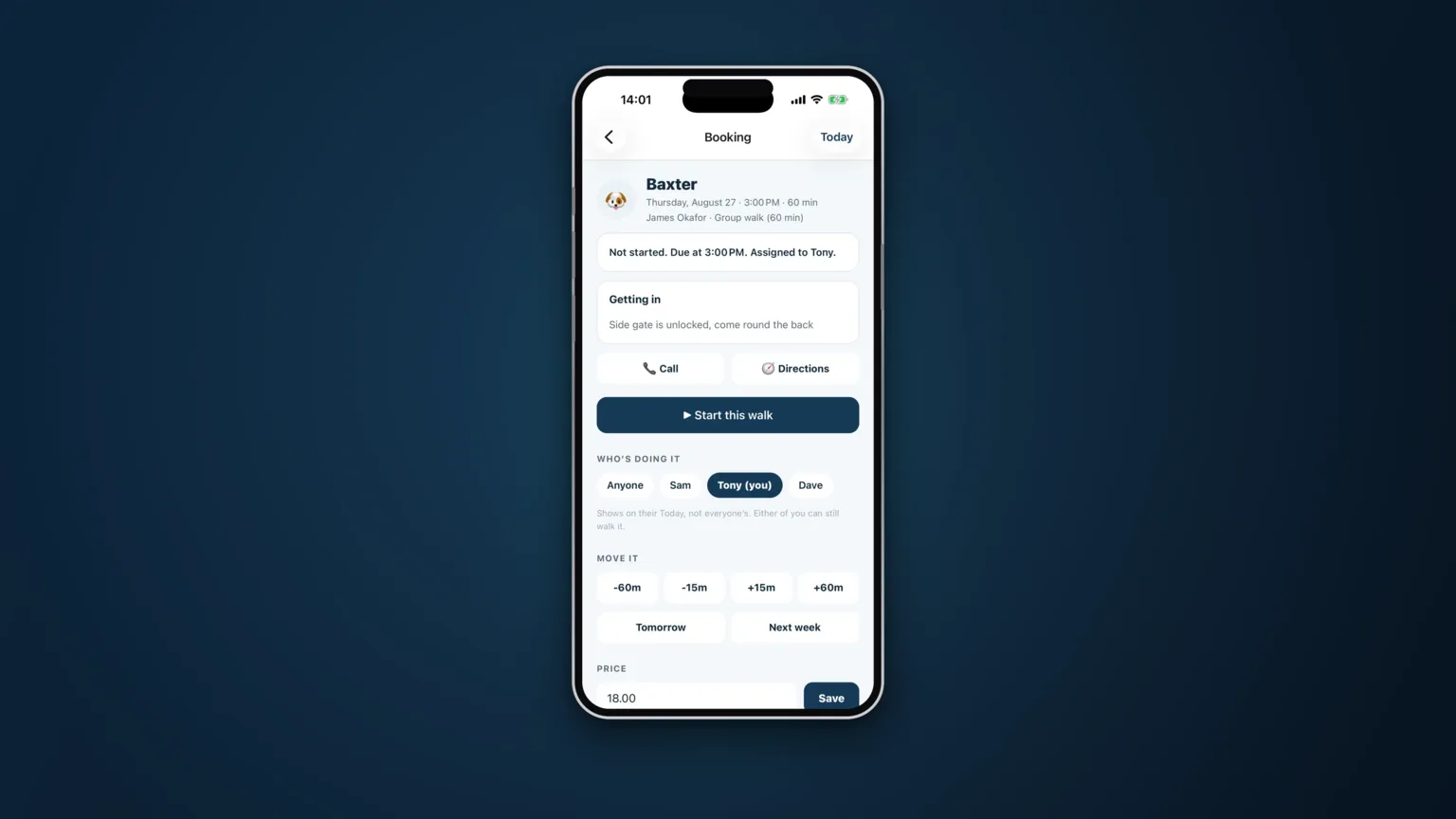
There is an order to setting CorePaw Pro up, and the service list comes near the front. Not because it is exciting, but because everything downstream leans on it: bookings take their price from it, the diary knows which days a service is offered, and invoices are built from work that was priced when it was booked.
Fifteen minutes here removes a lot of small friction for the next year.
What a service is
A service is one thing you sell, at one price, for one duration. Yours might be:
- 30-minute group walk
- 60-minute group walk
- Solo walk
- Puppy visit
- Drop-in visit
- Cat visit
- Medication visit
- Home boarding, per night
The list should be the things you actually sell, in the words you use with clients. If you have never once sold a 45-minute walk, do not create one.
Getting the shape right
Split what is genuinely priced differently
If a solo walk costs more than a group walk, they are two services, not one with a note. Anything you have to remember to adjust manually will eventually be forgotten on a busy month end.
Do not split what is the same
Resist a separate service per client. The point of the list is that it is short enough to pick from at speed on a doorstep. One-off variations belong on the individual booking, where a price can be set by hand.
Set the working days per service
A service can be offered on some days and not others — weekday-only day care, weekend-only sitting. Setting this once means the diary and any booking requests already know, instead of you declining the same request every Saturday.
Then set the policy that sits behind the prices
Two settings are worth doing at the same time, because they are the ones people postpone.
Your cancellation notice period and fee. Once set, a booking cancelled inside your notice period records the fee against the booking and carries it onto the invoice as billable work. That means applying your own policy costs you nothing, which is the only way a policy actually gets applied. See handling late cancellations fairly for how to word it for clients.
Your days off and holidays. Entered with a reason clients can read. Requests for those days are refused rather than left waiting for you to decline them on your day off.
Business details, once
While you are in settings, fill in the things that appear on every invoice: business name, address, logo, contact details and the invoice footer. Add your payment details — bank name, account name, sort code, account number, PayPal or a payment link. Add your VAT number and rate only if you are registered; if you are not, leave VAT alone entirely and it will not appear on the document at all.
Your currency is stamped onto each invoice when it is issued, so changing it later never rewrites your history.
Changing prices later
Editing a service price changes what future bookings are priced at. Work already completed keeps the price it was sold at, and invoices already issued are untouched — which is what you want, and it means a price rise is not a retrospective event. The client-facing half of that conversation is in how to tell clients about a price rise.
A sensible first-day order
- Business details, logo and payment details.
- Services, prices and working days.
- Cancellation notice period and fee.
- Your ten busiest clients and their pets.
- Their recurring bookings.
That is enough to run a real week. Everything else can be added as it comes up. See how it works, or what it costs.
Related articles
Run the round, reassure the owner, get paid.
CorePaw Pro puts your schedule, clients, pet-care notes, GPS walks, owner reports and invoicing in one field-ready app — and keeps working when the signal disappears.
Full access for 30 days · No card · Unlimited clients and pets