How to organise recurring dog walks
Most of a dog walker’s income is the same dogs, on the same days, every week. Managing that as a list of individual bookings is why the diary takes an evening a month. Set the pattern once instead.
By Tony Dalton · Updated
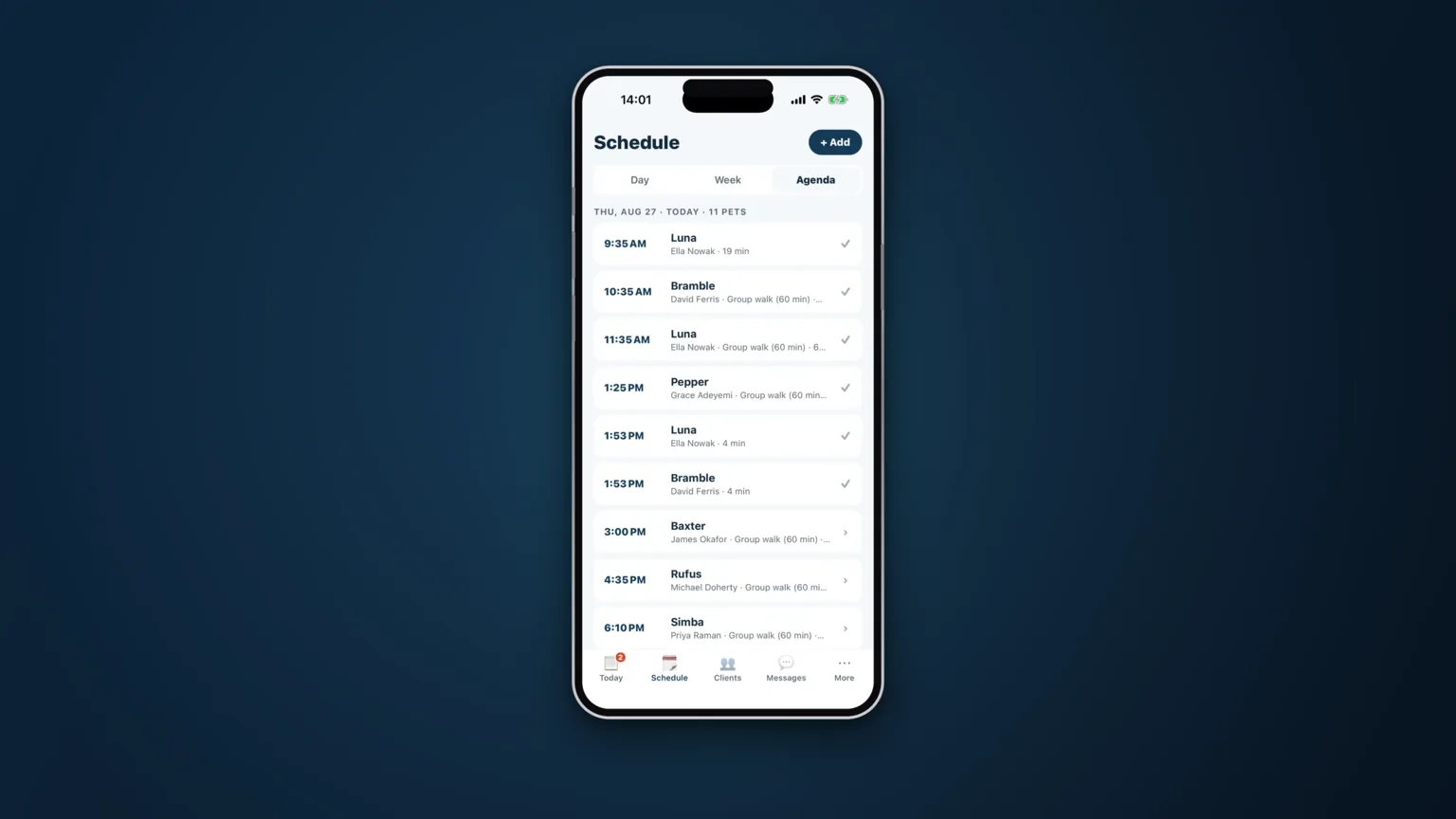
Look at a typical week on an established round and the striking thing is how little of it is new. Bella every Tuesday and Thursday. The two spaniels Monday to Friday. Baxter on Wednesdays unless his owner is working from home. The variation is real but small — most of the diary is a pattern that has been true for a year.
Anyone managing that as individual entries in a calendar is doing a large amount of work to reproduce something that has not changed.
Separate the pattern from the exceptions
The useful model has two layers.
The pattern is the standing arrangement: this dog, this service, these days, this walker, this price. It is set once and it stays set. Nobody should be re-entering it weekly, and nobody should be able to lose it by deleting a week.
The exceptions are what happens to individual days: a holiday, a skipped Tuesday, an extra Saturday, a swap because the owner is at home. These attach to a specific date and change nothing about the pattern.
Getting this split right is what makes a schedule maintainable. Getting it wrong — treating everything as a one-off — means the pattern lives in your head, and your head is doing work software should do.
Where recurring schedules go wrong
Editing the pattern to fix one day
A client is away for a fortnight, so the standing booking is deleted. Three weeks later the walks do not reappear, because there is nothing left to reappear from. Skip the dates; keep the pattern.
Nobody knows why a slot exists
A Thursday slot survives a year after the client stopped, because it was in the diary and the diary is the source of truth. A standing booking should be attached to a client, a service and a price — not a naked calendar block.
The round is rebuilt every week
If the same four dogs go out together every Tuesday with the same walker, that grouping is a stable fact. Rebuilding it from your entire client list each week is a weekly opportunity to leave someone out.
Protect the shape of the day
A schedule that only knows about times, not about geography and capacity, will happily produce a day nobody can drive. Two things keep it honest:
- Overlap awareness. When you add a booking, you want to see what is already out over that slot — as a warning, not a block, because you know things the software does not.
- The days you do not work. Your days off, your holidays and the days a given service is not offered should be known to the diary, not just to you. Otherwise you spend your day off declining requests for your day off.
How CorePaw Pro does it
Recurring bookings are set once — "Bella, every Tuesday and Thursday" — and stay set, priced from your service list. Individual days can be rescheduled or cancelled without touching the pattern, with the owner notified. Named rounds save the same group of dogs with the same walker so a standing Tuesday is reused rather than rebuilt. Overlap warnings show what else is already out over a slot without blocking you, and days off, holidays and per-service working days mean requests for days you are not working are refused before they reach you.
Related articles
Run the round, reassure the owner, get paid.
CorePaw Pro puts your schedule, clients, pet-care notes, GPS walks, owner reports and invoicing in one field-ready app — and keeps working when the signal disappears.
Full access for 30 days · No card · Unlimited clients and pets