What information to collect from every new pet-care client
A new-client form is not paperwork for its own sake. Every field on it is a question somebody would otherwise have to ring you to ask — usually at the worst possible moment. Here is the list, and why each line earns its place.
By Tony Dalton · Updated
There is a test for whether a piece of client information is worth collecting: if you were unconscious and somebody else had to walk this dog tomorrow, would they need it? Everything that passes belongs on the form. Most things that fail are there because a competitor's form had them.
The people
- Every owner in the household, not just the one who books. Couples split the job — one arranges the walks, the other is the one who is actually at home on a Tuesday. If only one of them is in your records, half your messages go to the wrong person.
- Phone and email for each. Email matters more than people expect: it is where reports and invoices land, and it is the only channel that produces a record you can point at later.
- The address, and how to get in. Not just the door number. "Side gate, don't ring the bell, the baby sleeps until two" is the single most useful sentence on most client records.
- An emergency contact who is not the owner. The neighbour, the sister, the person with a key. You need this on the day the owner's phone is off and the dog has cut a paw.
The animal
Split this deliberately into two kinds of information, because they behave differently.
Facts that make the job safe
- Recall — honestly assessed, by the owner, in their words.
- Whether off lead is permitted at all, and where it is not.
- Behaviour around other dogs, around children, around bikes and around livestock.
- Handling notes: the dog who will not have their collar touched, the one who guards the lead.
- Consent for treats, and consent to give medication.
Facts that make an emergency survivable
- The vet practice and its phone number, in the record — not something you look up while holding a bleeding dog.
- Allergies, current medications, and any condition a vet would want to know about.
- Microchip and insurance details if the owner will give them.
These are not the same category, and it is worth being clear with owners about who sees what. A walker covering your round needs the safety facts to do the job at all. Health details are more sensitive, and an owner is entitled to decide how far they travel. In CorePaw Pro that decision is the owner's: health information is shown only where they have granted it, and where they have not, the walker sees a locked card that says so — "not shared" never looks like "nothing to report".
The commercial half
Boring, and the part people skip. Collect it at sign-up anyway, because collecting it later means an awkward conversation with an established client.
- Which service they are buying, at what price, on which days.
- How they pay, and when — weekly, monthly, on receipt of invoice.
- Your cancellation notice period and your fee, agreed in writing before the first cancellation rather than after it.
- Permission to use photos of their dog, if you ever want to. Ask once, record the answer, and never assume.
Collect it once, at the meet and greet
The meet and greet is the only moment the owner expects to be asked a lot of questions. Use it. A form you fill in together at the kitchen table gets better answers than one emailed over, because you can ask the follow-up: "when you say he's fine with other dogs, do you mean on lead too?"
Then keep it somewhere it stays current. A form's value decays — the vet changes, the medication stops, the new gate code arrives by text in March. Records that live in a filing cabinet are a snapshot of the day the client joined. Records that live where you work get corrected as you go.
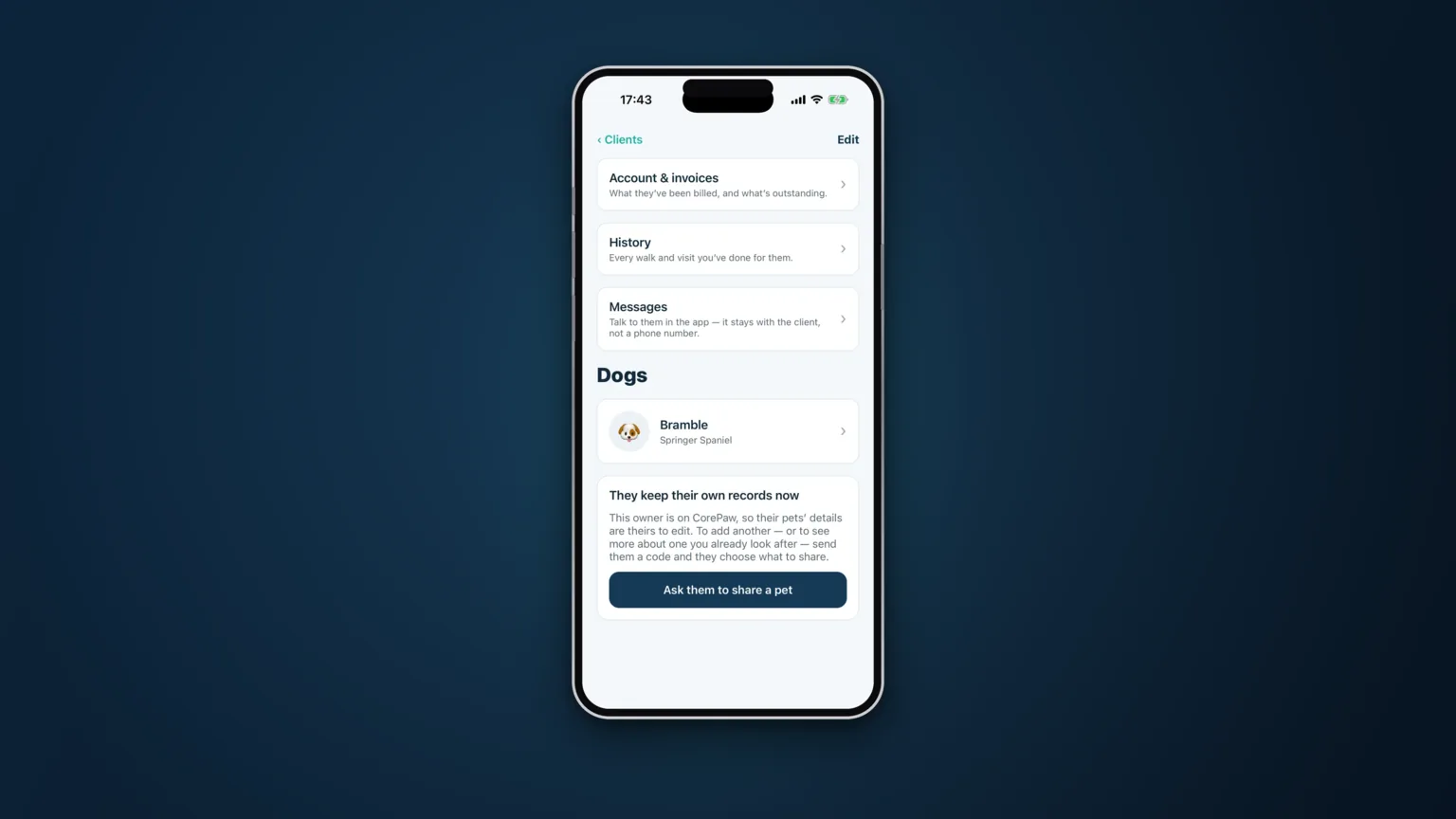
CorePaw Pro keeps all of this on the card you read at the door: emergency contact and vet never behind an extra tap, feeding and access instructions in plain text, and the pet's own profile filled in by the owner where they want to fill it in. See how client and pet records work.
Related articles
Run the round, reassure the owner, get paid.
CorePaw Pro puts your schedule, clients, pet-care notes, GPS walks, owner reports and invoicing in one field-ready app — and keeps working when the signal disappears.
Full access for 30 days · No card · Unlimited clients and pets