Why offline recording matters on a dog walk
The places dogs are walked are the places phones lose signal. Software that assumes a connection does not fail politely — it loses the walk, or it lies about having saved it. What "offline-first" has to mean if it is going to help you.
By Tony Dalton · Updated
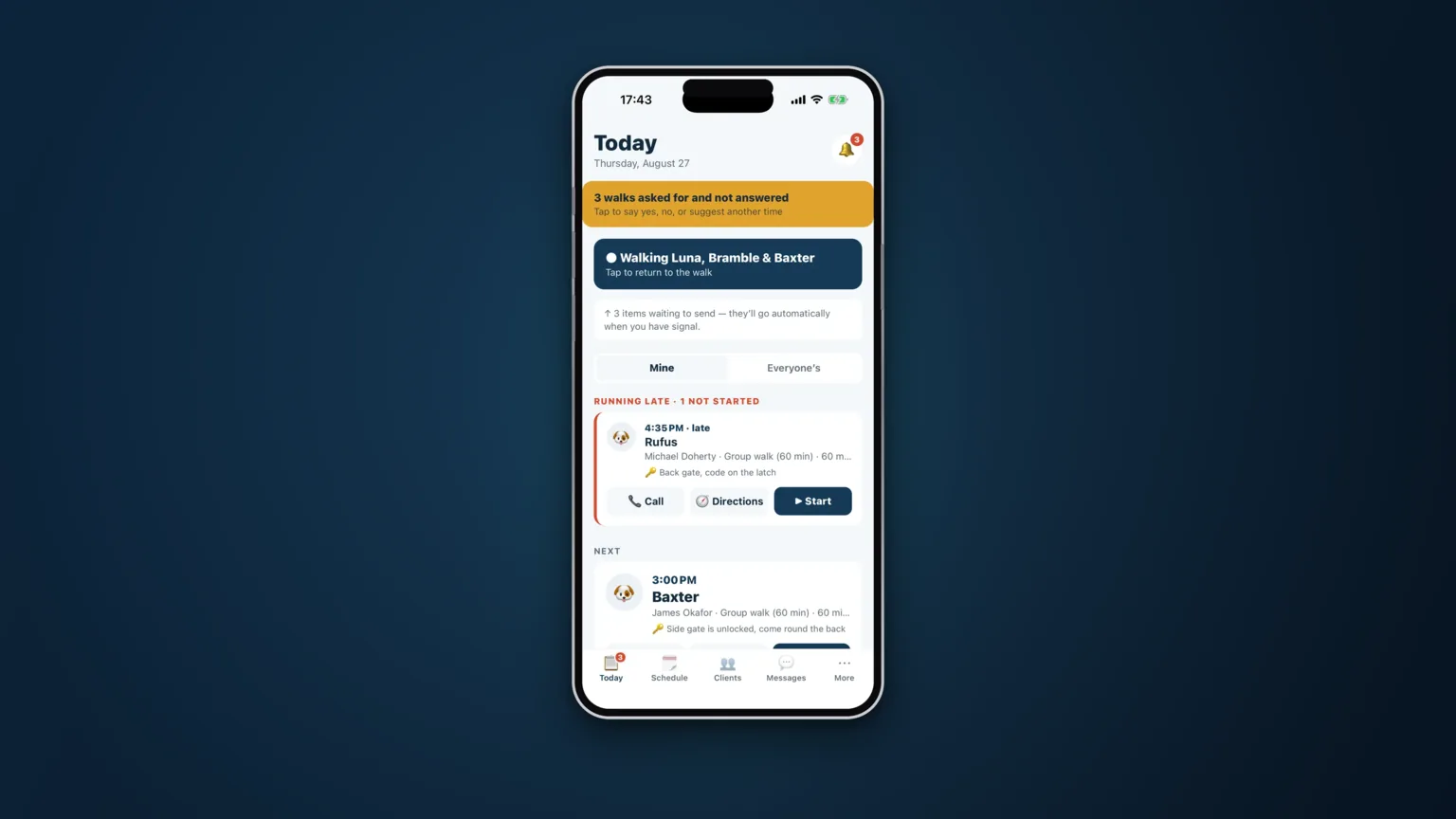
Think about where you actually walk dogs. Woods. A valley. The far corner of a country park. The bit of the beach where the town's masts give up. These are not edge cases in dog walking; they are the job. And they are precisely the places where an app that needs a connection stops being an app.
The three ways connected software fails outdoors
It loses the tap
You log that the dog drank. The request goes nowhere. Some apps show an error you will not see because the phone is in your pocket; others quietly drop it. Either way the fact is gone, and you will not know until the report comes out short.
It lies about the tap
Worse: the interface confirms the action optimistically, the request fails later, and nothing tells you. Now you have a record you believe in that does not exist. This is the failure mode that damages client trust, because you will confidently tell an owner something the system cannot back up.
It blocks the work
A spinner where the "start walk" button was. You are stood at a gate with a dog pulling, and the software is waiting for a server. So you start the walk without it, and the whole record for that job is now reconstructed from memory.
What offline-first actually has to mean
"Works offline" is a marketing phrase with a wide range of honesty behind it. The version that helps you has four properties:
- The device is written first. Every tap is saved on the phone before anything is sent anywhere, and it is reported as done because it is done — not because it will probably succeed.
- The queue is durable. Pending work survives the app being killed, the battery dying and the phone restarting. A queue held in memory is not a queue; it is a hope.
- Sending is ordered. Oldest first, so a photo never arrives before the walk it belongs to and nothing lands out of sequence.
- Reads work too. Being able to record is only half of it. If you cannot open a client's address, gate code or vet number in a dead spot, you cannot do the job either.
Honest failure is part of it
There is one more property, and it is the one most people never think about until it bites: what happens when the server genuinely refuses something — not because there is no signal, but because the data is wrong or the record has gone.
A naive queue retries that row forever, and because it is stuck at the front, everything behind it stops too. You appear to be online and syncing while nothing has actually been sent for two days. The correct behaviour is to report the row that cannot be sent, plainly, and let the rest through.
The one thing that cannot be offline
It is worth being straight about the exception. Some things genuinely need a connection, and issuing an invoice number is one of them. Invoice numbers have to be sequential and must not have gaps or duplicates, which means they have to be issued from one central place. An app that let two phones invent invoice numbers offline would eventually produce two invoices with the same number — which is a much bigger problem than not being able to raise an invoice in a wood.
Everything else — walks, visits, events, photos, notes, reading your clients and your schedule — should work with no signal at all.
How CorePaw Pro does it
Every tap is written to the phone first and reported as done because it is. Pending work waits in a durable queue across app kills and restarts, and goes in order when signal returns. Your clients, schedule and invoice list are readable from the device when there is nothing to read them from. A row the server truly refuses is surfaced rather than retried forever behind everything else. And creating an invoice is stated as the one exception, for the reason above.
Related articles
Run the round, reassure the owner, get paid.
CorePaw Pro puts your schedule, clients, pet-care notes, GPS walks, owner reports and invoicing in one field-ready app — and keeps working when the signal disappears.
Full access for 30 days · No card · Unlimited clients and pets